Install and start
Step 1 of 2 — install Tobby, start a first instance, look around. Step 2 promotes signed content end to end. The two steps together fit in ten minutes.
Install
Section titled “Install”Every release ships static binaries for Linux, macOS and Windows
(amd64/arm64). Download the one for your machine and put it on your PATH:
curl -LO https://github.com/tobby-fetch/tobby-fetch/releases/latest/download/tobby-linux-amd64chmod +x tobby-linux-amd64sudo mv tobby-linux-amd64 /usr/local/bin/tobbyOn macOS, Homebrew is one line:
brew install tobby-fetch/tap/tobbyOn Windows the binary is portable — a single .exe, no installer, no
runtime dependency. Two package channels are prepared, winget and Scoop;
until they are accepted into their indexes, download
tobby-windows-amd64.exe (or -arm64) from the release and put it on
your PATH. What Tobby supports on Windows, and the handful of things
that behave differently there, are in
Supported platforms.
Check that the binary answers:
tobby versionEvery release asset carries SLSA Build L3 provenance, a signed SBOM and a reproducible build. Checking takes a minute and is worth doing once even for a try-out: verify a release.
tobby quickstart walks through the first start: it asks a handful of
questions, writes the configuration file, creates the first admin account,
and can hand over to serve directly.
mkdir tobby-demo && cd tobby-demotobby quickstartAnswer the questions — the defaults in brackets are fine, one answer matters:
- Store directory
[./storage]— everything Tobby holds. - State directory
[./state]— accounts and tokens, kept outside the store on purpose: secrets never travel with the content. - Operating mode — answer
passthroughfor this walkthrough. It is the long-lived promotion service between connected zones, and it is what step 2 uses. The other answer,mirror, is the workstation mode that carries content across an air gap — see the media journey. - Admin account name
[admin], then its password (asked twice, echo off). The tool computes the hash; the password is stored nowhere. - Configuration file
[./tobby.yaml]. - Start the instance now — answer
y.
Quickstart is an interactive aid, never a requirement. In a script or a container it refuses to guess and prints the flag-driven equivalent; the same setup non-interactively is:
echo 'choose-a-password' | tobby quickstart --mode passthrough --password-stdintobby serve --config ./tobby.yamlThe instance serves the web UI and the API on http://localhost:8080 and
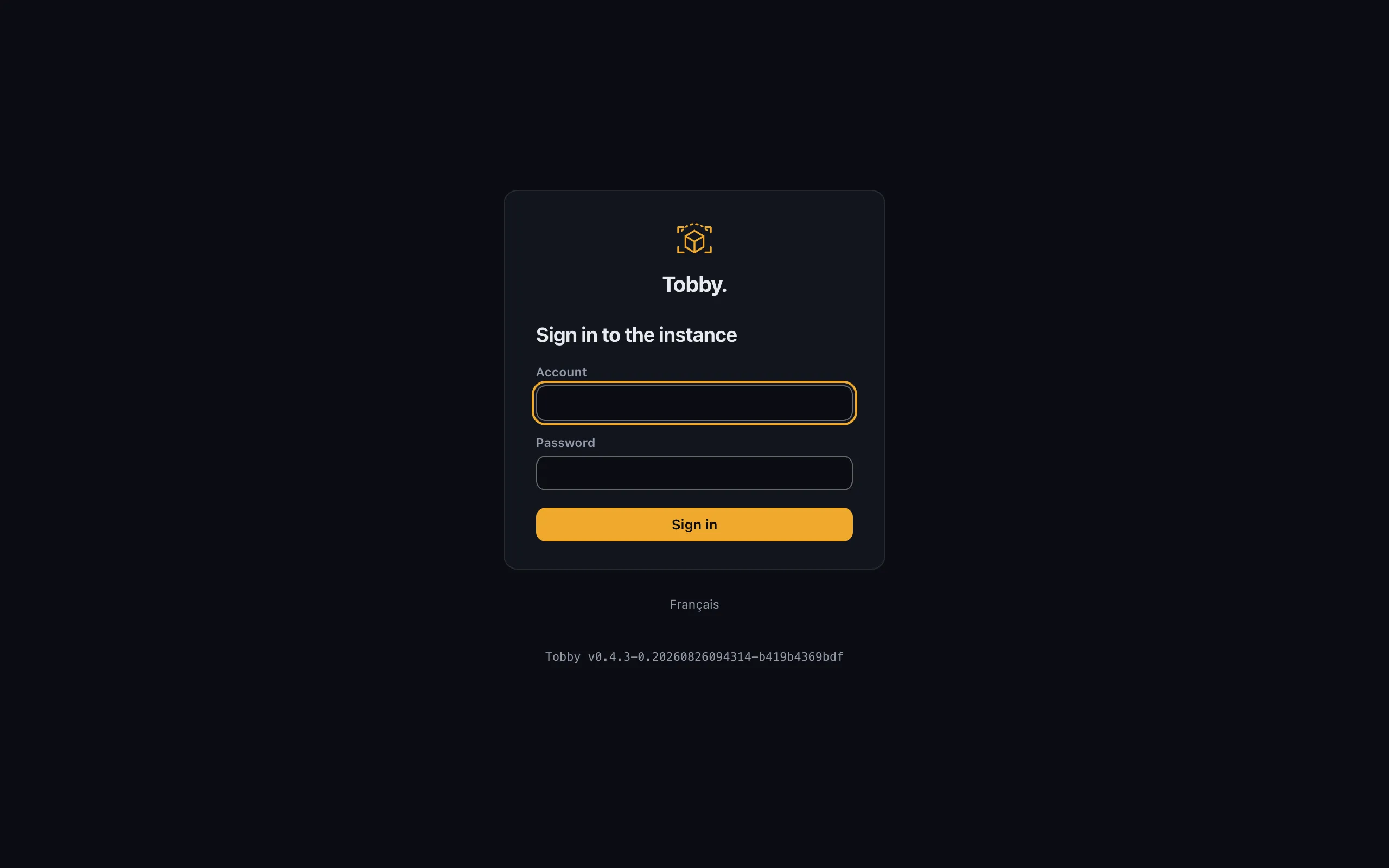
refuses anonymous access by default — sign in with the account quickstart
just created.
A first tour
Section titled “A first tour”The interface is server-rendered, bilingual (English/French), and needs no connectivity beyond the instance itself.
Browse the repository
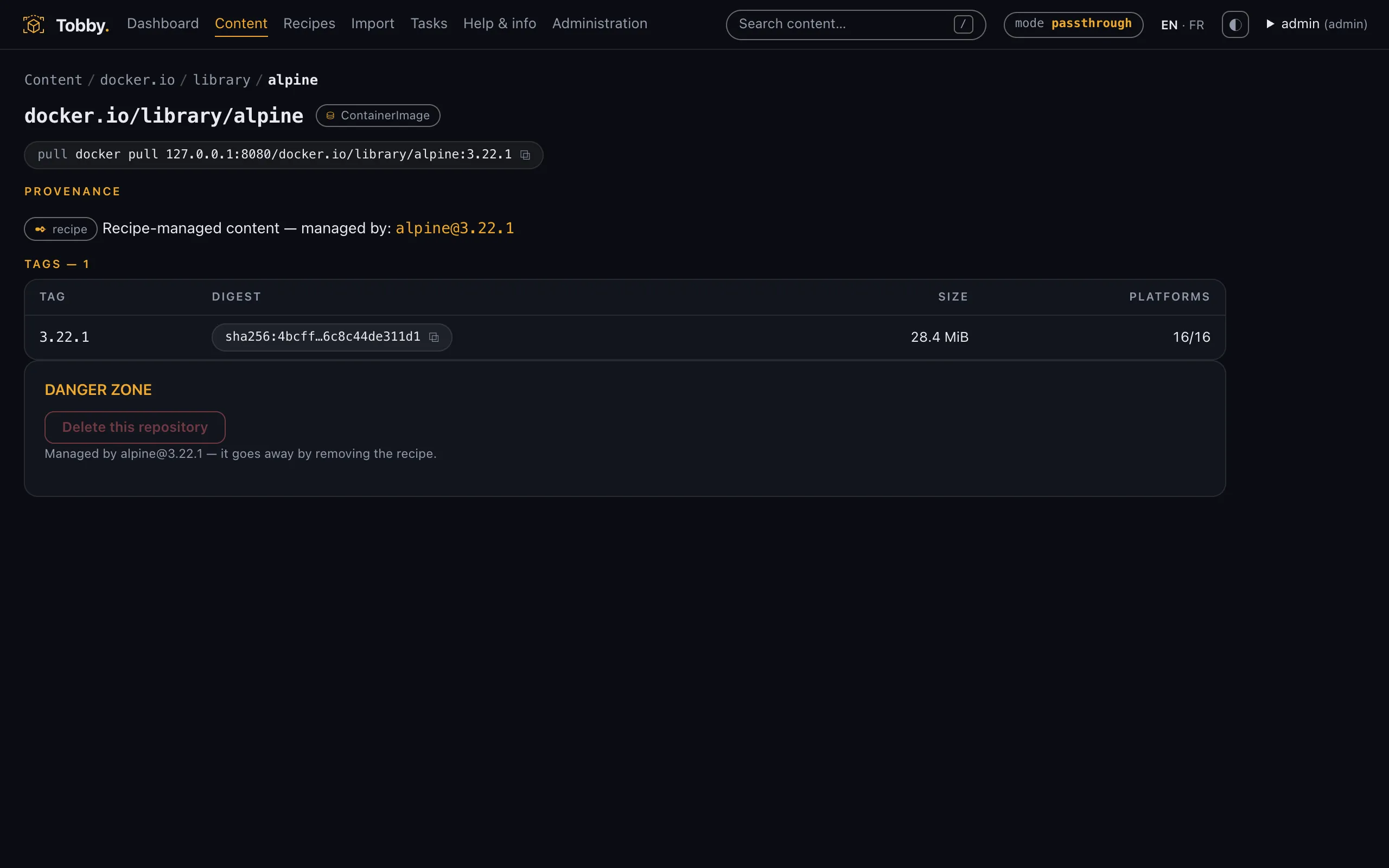
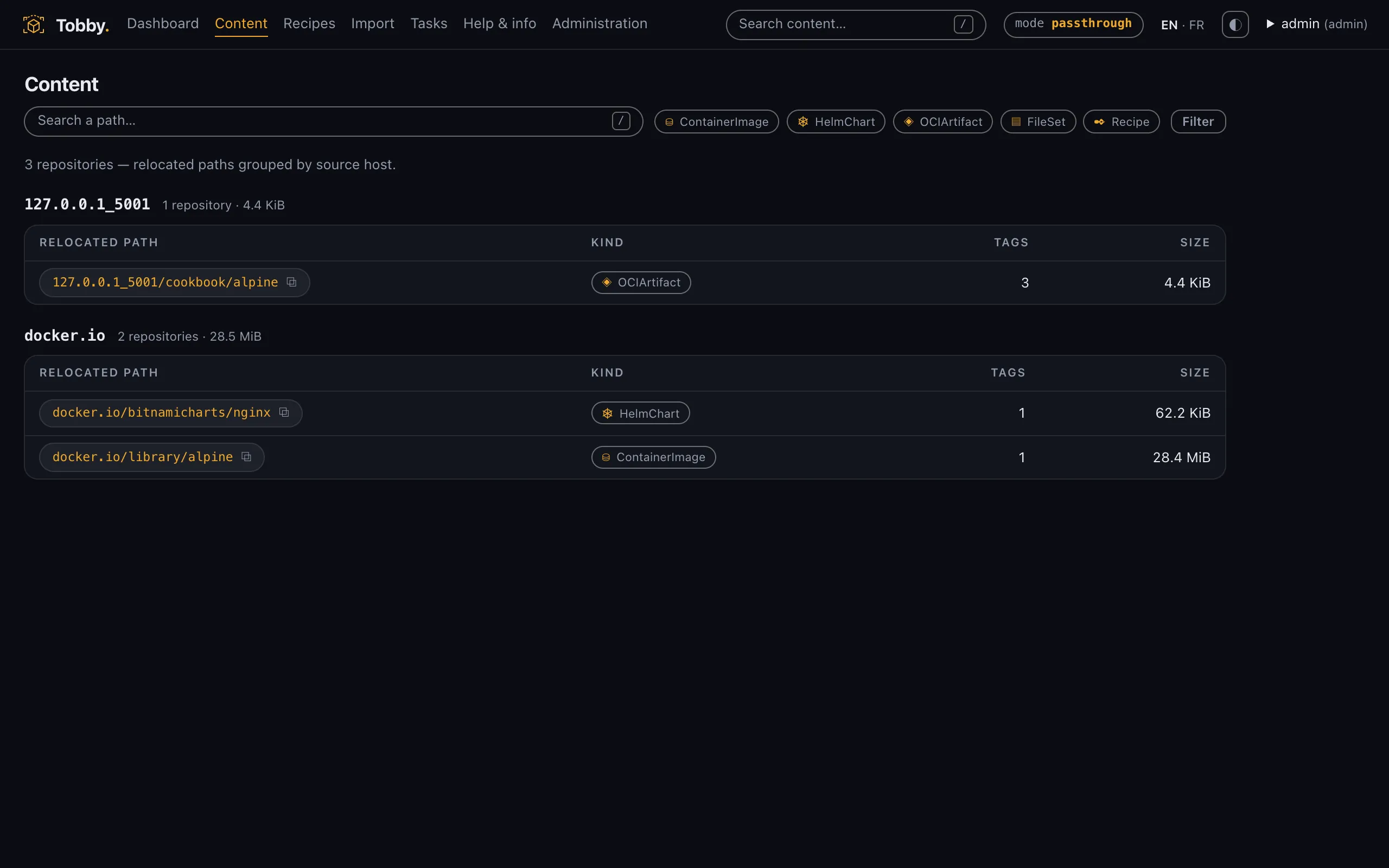
Section titled “Browse the repository”The Content screen lists what the store holds, as a repository tree. Path segments are breadcrumbs: click one to narrow the listing to that prefix. Your store is empty right now — the screen says so plainly, and step 2 fills it.
Search and filters
Section titled “Search and filters”The search box filters repositories by substring on their full path, and the kind filter narrows by content type. Both combine, and an empty result under a filter is reported as “no match for these filters” — distinctly from an empty store.
Content types at a glance
Section titled “Content types at a glance”Everything in the store is an OCI artifact, but the interface tells the kinds apart visually: container image, Helm chart, file set, recipe, and generic OCI artifact. You can tell what a repository holds without opening it.
Copy the URL — it is the API call
Section titled “Copy the URL — it is the API call”Browsing and the API are the same surface. The /content screen and
GET /api/v1/content parse the exact same query parameters — q,
kind, prefix, page — with the same code, so parity holds by
construction. Take any filtered view from your browser’s address bar,
insert /api/v1 in front of the path, and you have the JSON call:
http://localhost:8080/content?q=alpine&kind=ContainerImagehttp://localhost:8080/api/v1/content?q=alpine&kind=ContainerImageNo separate query language to learn, nothing the interface can do that a
script cannot. The instance serves its own API contract too: a viewer at
/api-docs, the raw OpenAPI document at /api/v1/openapi.yaml. Details
in the API reference.
Next: your first promotion — step 2 of 2. One
signed recipe, a full promotion, one docker pull at the end.